
Name-Based Case Searches
Open the North Carolina eCourts Portal and choose Smart Search. For a normal party search, use Last, First Middle Suffix. Begin with an exact name. A broad name result should be narrowed by Carteret County location, filing range, public case type, or a compatible status. Normal search results exclude victims, and Portal masks month and day of birth for ordinary users.
- Choose Smart Search in the Portal and enter a party name in the listed format.
- Set Location to Carteret County after supplying the basic search term.
- Use a careful case-type, status, or filing-date filter only to refine results.
- Open the underlined case number to read the Case Summary/Register of Actions.
| Field Label | Type | Required | Notes |
|---|---|---|---|
| Party name | Text | Yes for name search | Use Last, First Middle Suffix. |
| Location | Dropdown | No, but recommended | Set Carteret after the basic criterion. |
| Case type and status | Dropdown | No | Filters cannot run alone and do not pair automatically. |
| Filing date range | Date control | No | Use to reduce a broad public result. |
Carteret Name Search Format
Portal's documented wildcard rule can help only after a searcher understands its limits. For an incomplete name, enter at least three last-name characters followed by an asterisk and at least one first-name character followed by an asterisk. The Advanced Party Name setting does not support wildcard and can limit returns, so it is not a substitute for the normal name path.
Smart Search returns at most 200 rows. A 200-result return means refine the public query. It does not establish that the system has found every possible Carteret match. Check spelling, punctuation, name order, the Carteret location, and the public-access status before treating no result as conclusive.
Case Number Searches
A full current Enterprise Justice number is the most direct Carteret search. The published structure is a two-digit filing year, case-type letters, six-digit sequence, hyphen, and three-digit county identifier. Carteret's code is 150, so 26CR000001-150 is an illustrative format only. Do not omit the hyphen and county suffix when the full number is known.
Legacy converted cases can use earlier designations, including CVD for Civil General, CVM for Civil Magistrate, CVS for Civil Superior, or E, M, R, and T categories. A partial case number needs at least four characters before an asterisk wildcard.
Carteret Smart Search Limits
Advanced filters refine an existing query. They cannot search by themselves. Portal warns that case type does not automatically limit every status choice, so a status that does not fit the selected type can make a Carteret result disappear. Apply filters gradually and repeat the basic number or name search if a return looks unexpectedly narrow.
For business names, use Advanced Filtering Options and select Business Name. For a public record that may be older, restricted, or converted from a prior system, the clerk is the accurate fallback rather than an assumption based on a screen result.
Case Search Results Explained
Selecting an underlined result opens the local Case Summary, also called the Register of Actions. It is a detailed public timeline based on the clerk's record, not a certified court file. Portal sections show only when data exists and available fields differ by case type.
| Case Information | Public case-identifying information and status where available. |
|---|---|
| Parties and assignment | Public party information and any assignment information the case displays. |
| Case Events | The chronological public register of filings and procedural activity. |
| Hearings and disposition | Available setting information and recorded outcome information. |
| Financial and documents | Conditional financial information and public document links, not a full certified file. |
Carteret Hearing Search Comparison
Smart Search answers the case-history question. Search Hearings complements it by finding current hearing locations and times with a required location, hearing type, search type, matching criterion, and Date From and Date To. It can search case number, party, business, attorney, bar number, judicial officer, or courtroom.
A hearing return does not state virtual versus in-person. Check any outside link and confirm uncertain logistics with the courtroom or clerk. The Carteret court schedule explains the published-calendar and clerk confirmation channels.
Two Ways to Search: County and State
Carteret became live in the eCourts system on February 3, 2025. The Portal is a statewide public interface for participating Enterprise Justice counties, with Carteret selected as a location filter. It is not a separate county-owned database, and it is not the certified record.
| eCourts Portal | Carteret Clerk Channel |
|---|---|
| Public cases across participating eCourts locations, narrowed by Carteret. | Carteret Superior and District Court files, subject to applicable access rules. |
| Public Case Summary, hearing search, judgment index, and eligible payment functions. | Official file inspection, copies, certification, and questions about unavailable material. |
| Known public name, number, event history, or current hearing search. | Missing, older, restricted, or certified record needs. |
Carteret Judgment Search Limits
NC Judgment Search accepts a name or case number and returns an index result that can include case number, disposition status, index date and time, parties, and judgment comments. It covers several case categories, including civil, family, small claims, special proceedings, criminal, and miscellaneous judgments.
It is an index path, not the full Carteret Case Summary. Return to Smart Search for the public register detail and current financial information. Amounts in a judgment-index result relate to the original judgment date, not necessarily an updated balance.
Which Cases Stay Restricted
Portal public access does not include sealed or confidential content. Published restrictions include juvenile matters, unreturned criminal warrants, protective-order categories, and confidential special proceedings, depending on their classification. Normal results exclude victims, and masked birth-date details are an access control, not a data error.
Anonymous access is sufficient for public searching. Registration can save public cases in My Cases, but elevated roles are limited to legally authorized users and do not create general access to restricted records. Contact the Carteret Clerk of Superior Court for the correct lawful route when a public result is absent or access is disputed.
Carteret Clerk After a Search
The clerk remains the custodian of Carteret case files even after a Portal search. For a missing document, certification, older material, or an error such as a large-document processing issue, preserve the case number and contact the relevant clerk division. Criminal is 252-504-4444 and Civil is 252-504-4422 at the courthouse in Beaufort.
The state Portal training resource explains Smart Search, Search Hearings, Judgment Search, and eligible payments.
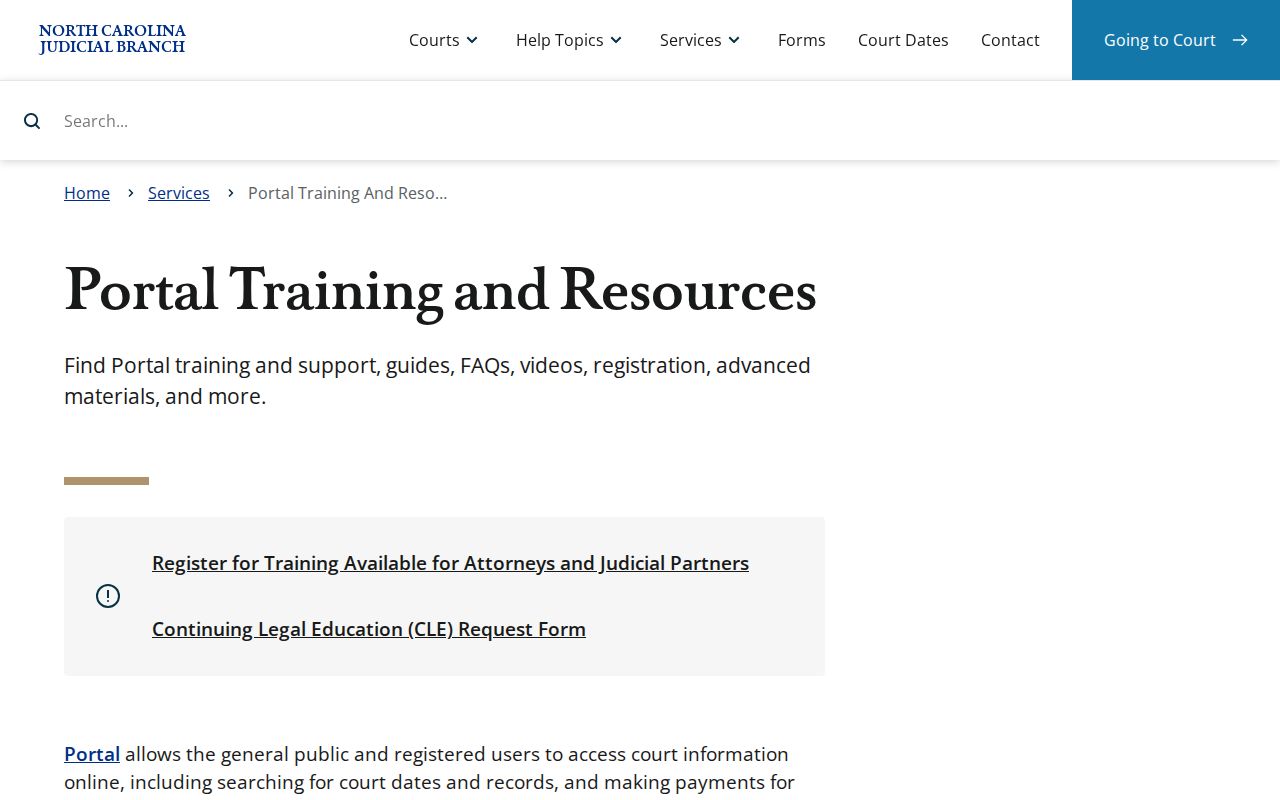
The Portal training material supports the public search path, while the clerk maintains the official record.
File & Serve is a separate filing channel rather than the public case-search tool.
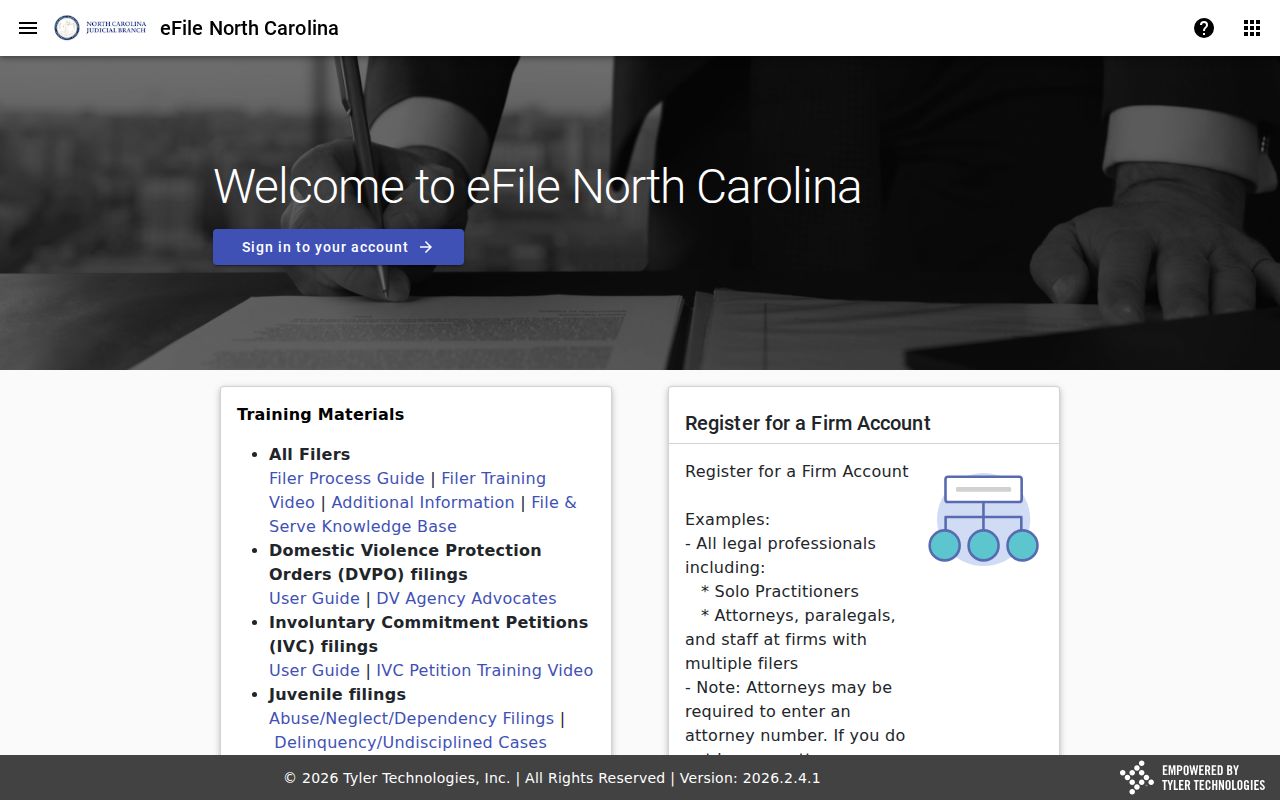
Use Portal to search and view eligible public case information. Note: A Portal return may be incomplete or restricted, so verify material case information with the Carteret clerk.
Carteret case searching begins with Carteret location but remains connected to the Carteret Clerk, the Carteret courthouse, and the Carteret case file. A Carteret name return, Carteret number return, Carteret business result, or Carteret public Case Summary should be read as a Carteret court record, not a general background result.
Carteret Smart Search, Carteret Search Hearings, and Carteret Judgment Search answer different Carteret questions. Carteret Portal access is a Carteret public access route, while the Carteret Clerk remains custodian of the Carteret official file. A Carteret document, Carteret certification, or Carteret older record request should use the Carteret clerk channel.
Carteret criminal, Carteret civil, Carteret estate, Carteret special-proceeding, and Carteret small-claims searches all use the Carteret court system. The Carteret County location helps separate Carteret cases from other Portal results. Carteret restrictions, Carteret privacy controls, and Carteret record classification can keep a Carteret case from ordinary public return.
A Carteret no-result check should revisit Carteret spelling, Carteret number format, Carteret case type, and Carteret filters. If the Carteret search remains unclear, Carteret Criminal, Carteret Civil, or the Carteret Clerk can identify the right Carteret record route. Carteret court data should be verified through the originating Carteret court.
Carteret Portal use and Carteret clerk access work together. Carteret readers can use Carteret public results for a Carteret hearing or Carteret docket timeline, then use Carteret court staff for a Carteret missing document or Carteret official copy.