
Carteret County Court Record Requests
Carteret joined eCourts in 2025, and that changed where the online search starts. Anyone can use the statewide eCourts Portal without registering to search public Case Summary information. That summary, also called a Register of Actions, is handy for pinning down a Carteret case number, scanning public events, or spotting a hearing. Keep one thing clear, though. It is not the certified court record. The Portal will not display everything. For a plain clerk copy or a certified product, the filing county's Clerk of Superior Court is the office that holds the file.
Treat a Portal result as the start of a Carteret request. It is not proof a document is missing. The practical chain runs Portal first. Then call the right Clerk division by phone. Then inspect or request a copy at the Beaufort courthouse. One more pointer: the Judicial Branch's administrative public-record request covers agency records only. It points court-document and case-information requests back to the local clerk.
- Search Portal by a full Carteret case number when possible, or use the party name and the Carteret location filter.
- Decide whether the need is a Case Summary, one public filed document, a plain copy, a certified copy, audio, or a transcript.
- For a public Portal image, open or download the Carteret document individually and keep the Carteret case number with the Carteret request details.
- For inspection, copies, certification, or an unavailable image, call the correct clerk division or visit the Clerk of Superior Court.
- Before sending any payment, ask the Carteret Clerk about availability, total cost, certification, accepted method, and any mail instructions.
Note: Carteret sources publish no universal online copy form and promise no general turnaround, so confirm details with the clerk on every case-file request.
Carteret Court Record Layers
Think of a court record in layers. A Portal Case Summary is the online timeline of public activity. A filed document is the real thing: the pleading, order, judgment, or other image, when one is available. A certified copy is a clerk-authenticated product built for official use. Each layer serves a different purpose. Portal may show public documents. It never replaces the Carteret Clerk's role as custodian of the county court file.
| Record layer | Best use | Local source |
|---|---|---|
| Case Summary | Public case events, hearings, and basic case status | eCourts Portal |
| Filed document | One available public order, judgment, or filing image | Portal, then clerk file if lawful |
| Plain or certified copy | Clerk-prepared court-file product | Carteret Clerk of Superior Court |
Portal documents download one at a time. Even so, a public case may show no visible image. Access could be restricted, the Carteret document may be confidential or sealed, or clerk processing may still be pending. And an error like ER141011 on a large document is a reason to call the Carteret Clerk. It is not a sign the document is missing.
Kinds of Court Records
The Carteret Clerk of Superior Court keeps the files and indexes for Superior Court, District Court, and magistrate matters. One unified office handles it all: civil, criminal, estates, special proceedings, juvenile work, and the related docket records. Access depends on the record type and any confidentiality rule that applies. Give staff a Carteret case number. Give the exact product wanted. They can route the request to the right counter.
- Case Summary or Register of Actions entries and public hearing information
- Public pleadings, orders, judgments, and other filed case documents
- Civil, criminal, estates, special-proceedings, and magistrate file records
- Clerk-certified copies, certificates under seal, and exemplifications
- Available nonconfidential court audio or a separately ordered reporter transcript
The Judicial Branch court-records guidance draws a line between audio and a verbatim transcript. For an available nonconfidential clerk or digital recording, form AOC-G-114 is the route. A transcript is different. An official court reporter produces it, not the Carteret Clerk's ordinary copy process. Not every proceeding was recorded. Confirm availability before making a Carteret request.
Carteret Clerk Record Custody
G.S. 7A-109 puts every North Carolina clerk in charge of the records, files, dockets, and indexes that the Administrative Office of the Courts prescribes. The same statute sets a baseline for public inspection during regular office hours. Another law may limit access. That is why the Carteret County Clerk, not the statewide administrative office, is the starting point for a Carteret case file. The statewide administrative office is not.
The NCAOC public-record form has its place. It can obtain an existing Judicial Branch administrative record. But the form itself states that NCAOC is not the custodian of court documents or case information. It cannot stand in for a Carteret file request. Use the NCAOC request form only for the administrative records it covers. Contact the Carteret Clerk for the docket sheet, order, judgment, or case-file copy.
Carteret Clerk of Superior Court
300 Courthouse Square
Beaufort, NC 28516
Main: 252-504-4400
Court Records: What They Contain
A public Carteret case file can hold both a chronological case summary and the documents underneath it. Where available, Portal's public display shows case events, hearings, dispositions, and financial information. What may be inspected or copied varies by case category. It also varies by the Carteret court's access rules. The clerk can tell you what a particular file actually contains. The clerk can also say whether certification is available.
| Case number | A Carteret case identifier; Portal's state format ends with county code 150. |
|---|---|
| Case Summary | Public event timeline or Register of Actions based on the Carteret Clerk's official record. |
| Filings | Public pleadings, motions, orders, judgments, and other images when available. |
| Hearings | Listed court settings, locations, and times when public information is displayed. |
| Certification | Clerk authentication for a Carteret County court document, separate from an ordinary Portal display. |
Older Carteret events may live in the post-2025 Enterprise Justice system. The Portal FAQ warns that converted legacy events can carry a midnight timestamp. That time proves nothing about the original hearing hour.
Copy Fees and Certification
A plain copy and a certified copy are different products. The statute sets the components for clerk-prepared copies and related certifications. But the total depends on the Carteret document count and the authentication requested. Ask the Carteret Clerk what the recipient needs. The choice may be only a copy, a certificate under seal, or an exemplification. The clerk posts no Carteret-only price for a docket sheet. There is no general Portal-document price and no standard turnaround either.
| Item | Statutory amount |
|---|---|
| First page of a clerk-prepared copy | $2.00 per document |
| Each additional page or fraction | $0.25 |
| Certificate under seal | $3.00 |
| Exemplification | $10.00 |
| Transcript of judgment preparation and docketing | $10.00 |
These components come from G.S. 7A-308. The statute also lists a $25 criminal-record search, a separate certified name-index service with its own statutory exceptions. That is not the ordinary Carteret Portal lookup, nor a request for every filed document.
North Carolina's court-costs information provides the state context for the copy and certification charges applied by the Carteret Clerk.
Carteret Court Audio Records
Two different products come out of a Carteret County courtroom. One is the audio recording itself. The other is a transcript typed up by the official court reporter. For a nonconfidential clerk recording or digital recording, the Judicial Branch points to form AOC-G-114. The audio CD costs whatever the actual cost turns out to be. No fixed Carteret price or turnaround is published. Confidential cases go a different way, through AOC-G-115, which asks the court for permission. Neither form works as a blanket docket-sheet request.
Transcripts raise a separate issue. They come from the court reporter, not the clerk's copy counter. The Carteret Clerk can steer you to the right path. Cost and availability still depend on the proceeding. Some hearings, including certain District Court proceedings, have no recording at all. So a Carteret case showing up in Portal does not mean a transcript exists.
Carteret Court Document Limits
Portal lets the public search and view, but it is not the whole Carteret County court record. It shows what the system makes available. Sealed files stay hidden. Confidential records stay hidden too. Some restricted categories need elevated access the public does not have. When a document image will not load, that alone does not answer whether the record exists. Keep the Carteret case number handy, name the document by date or title if you can, and ask the Carteret Clerk which lawful route applies.
The same line matters for official copies. A Portal printout is fine for checking a public event or the next listed hearing. Printing it out does not certify anything. Anything needing certification, a sealed certificate, or another clerk-authenticated form must come through the Carteret Clerk's office.
Official guidance on obtaining court records separates public documents, clerk copies, recordings, and reporter transcripts.
Access Rules for Court Records
Openness is the default, not a promise that every filing can be released. Juvenile matters, sealed files, confidential material, and protected personal information all carry their own limits. Portal blocks sealed and confidential records from public users as well. For a specific Carteret case, ask the Carteret Clerk. The clerk can tell you whether public inspection or a copy is available. What the clerk cannot do is release a Carteret record kept confidential. A law or court order controls that.
North Carolina access rules:
G.S. 7A-109 requires clerk-maintained dockets, files, and indexes and makes them open to inspection unless law provides otherwise.
G.S. 7A-308 provides the statutory components for clerk copy preparation and certification services.
NCAOC public-record policies distinguish administrative requests from court documents held by the filing-Carteret County Clerk.
The Judicial Branch public-record request screen describes requests for existing agency records and its custody limits.
Carteret Court Copy Payments
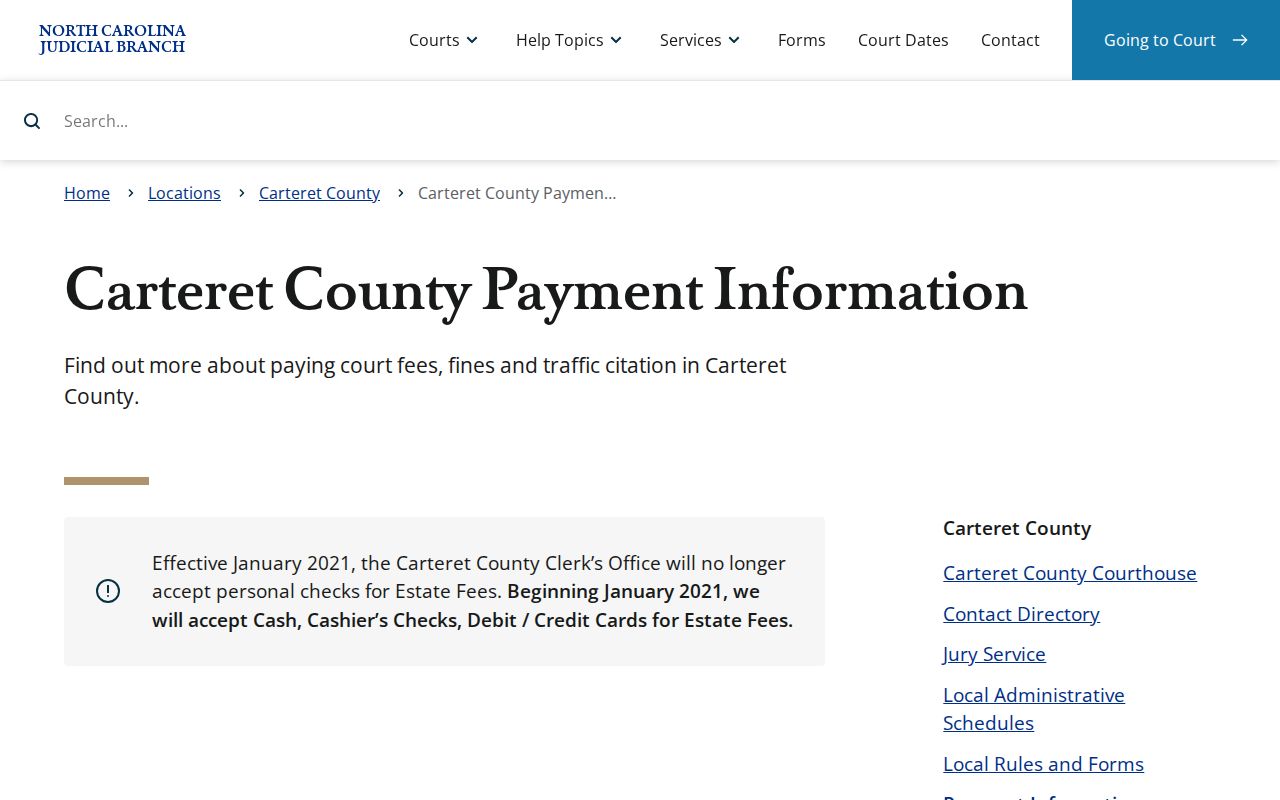
Carteret County posts payment rules rather than one universal mail-copy form. By mail, the Carteret Clerk takes a money order or certified check only. No cash. No personal check. At the courthouse the options widen: cash, money order, certified check, or the listed card payments. Those card payments carry a processing fee. Those rules kick in only after the Clerk confirms a Carteret record request can be handled by mail. The Clerk must also state the amount due.
Never mail a guessed amount for a Carteret copy. Ask first whether a self-addressed return envelope or particular case information is required. The published rules for estate fees and court payments have limits. They do not mean every Carteret court document can simply be ordered by mail without advance instruction.
Carteret payment information lists the county's published cashier and mail-payment rules.
Note: These mail payment limits cover how you pay, not what you can order. The Clerk of Superior Court remains the source for document availability and copy-request logistics.